

Table of Contents
In the world of data storytelling, clarity is everything. But if you’ve ever tried designing a Power BI dashboard from scratch, you know how frustrating it can be—starting with a blank canvas, struggling with inconsistent visuals, and wasting hours on layout decisions.
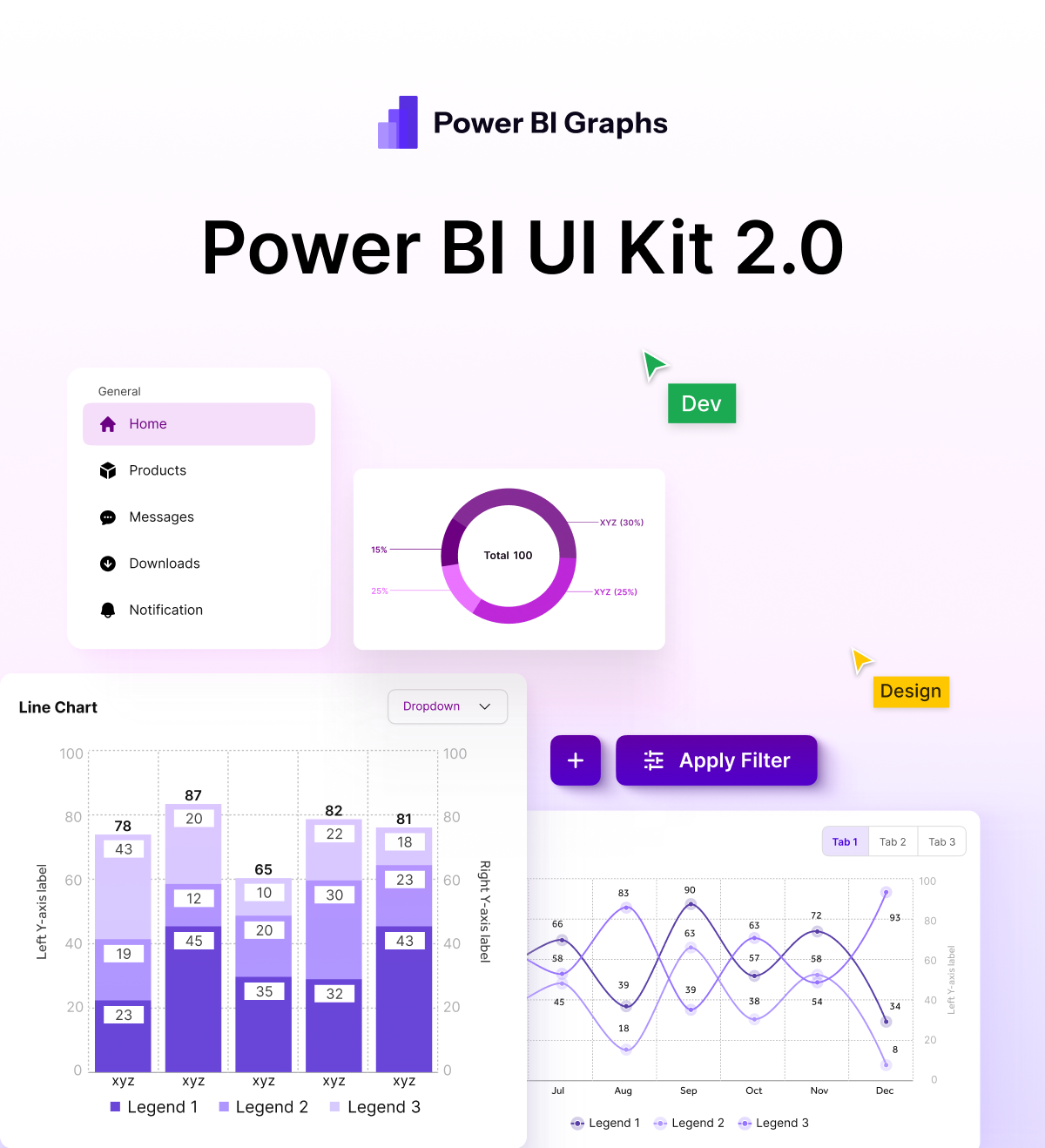
That’s exactly why we built PowerBIGraphs — a Figma-based Power BI UI kit designed to help data professionals, designers, and BI developers build stunning dashboards faster.
Why PowerBIGraphs?
PowerBIGraphs is more than just a UI kit. It’s a complete design system tailored specifically for Power BI use cases. Whether you’re building dashboards for internal reporting, client-facing analytics, or stakeholder presentations, this kit will elevate your visuals and speed up your workflow.
✅ Save Time: Stop spending hours on layout and design.
✅ Look Professional: Impress clients and stakeholders with clean, modern visuals.
✅ Stay Consistent: Keep your dashboards aligned with your brand.
✅ Focus on Insights: Let the design system handle the visuals while you focus on analysis.
What’s Inside the Kit?
✅ 100+ Pre-built Dashboard Components
Including charts, KPI cards, filters, layouts, and sidebar navigations – all optimized for dashboard design.🎨 Modern & Minimal Aesthetic
Built using clean grids, neutral color palettes, and easy-to-read typography that focuses on data clarity.🧠 Data Storytelling Ready
Designed to help communicate insights effectively – not just display data.📐 Fully Customizable in Figma
Use components, styles, and auto layout to create dashboards that feel native to your brand or organization.⚙️ Drag-and-Drop Modularity
Combine sections quickly to mock up a full dashboard design in minutes.
Who Is It For?
Power BI Developers who want to prototype dashboards before building
UI/UX Designers collaborating with BI teams
Agencies offering BI design services
Startups & Enterprises aiming for clean, user-friendly internal reporting
Data Storytellers looking to add polish and professionalism to their reports
Why Design in Figma First?
Before jumping into Power BI development, it’s smart to prototype your ideas in Figma:
🏃♂️ Move faster with ready-made components
🎯 Get feedback before committing to complex Power BI setups
🖌️ Experiment with design ideas without affecting live data
🤝 Collaborate seamlessly with design or business teams
Ready to Supercharge Your Dashboards?
Visit PowerBIGraphs.com and get instant access to the #1 Power BI UI Kit for Figma.
Don’t start from scratch. Start with PowerBIGraphs.
