
Table of Contents
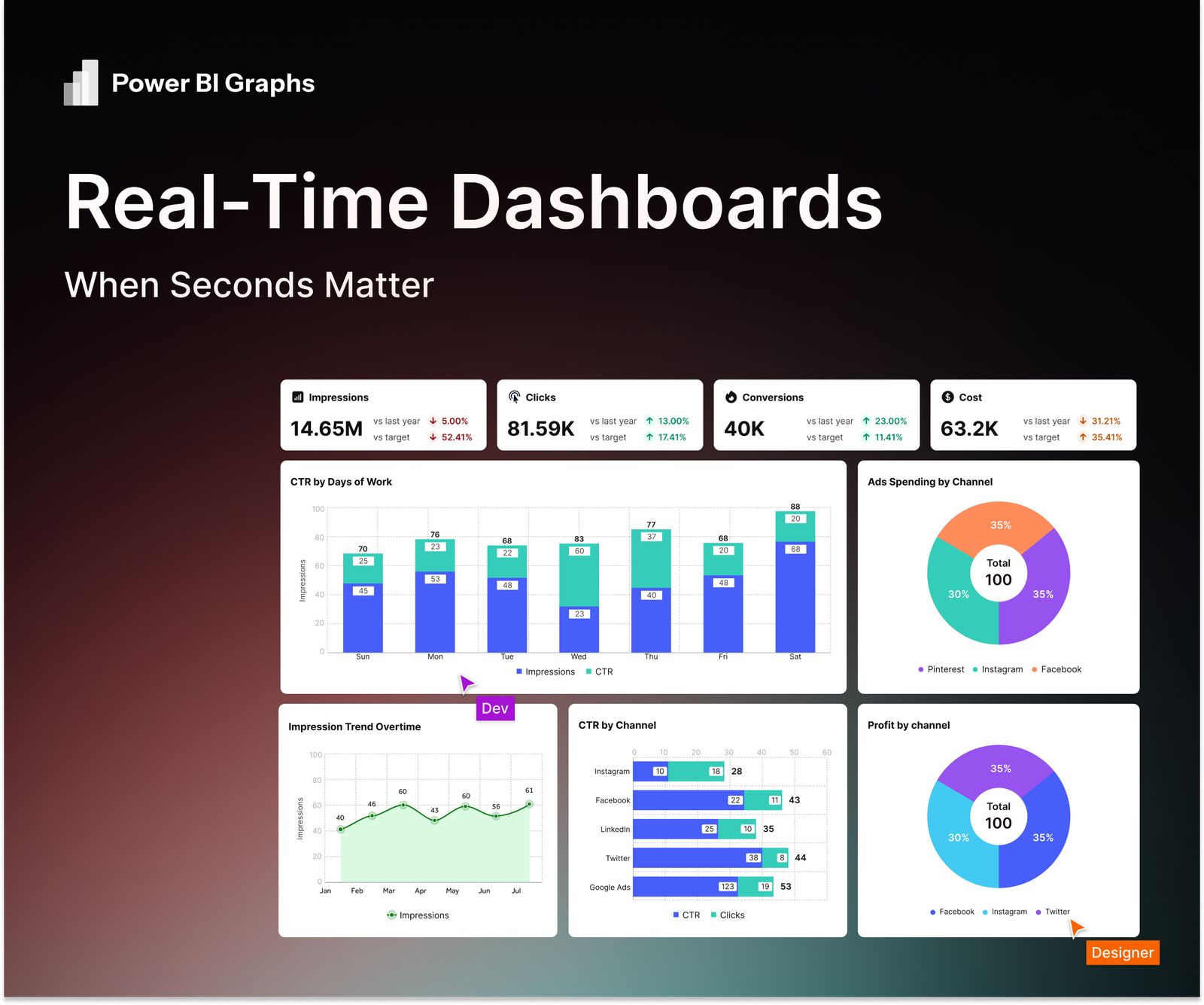
In today’s data-driven environment, decisions can’t wait for hourly or even 15-minute refresh cycles. Whether you’re monitoring supply chains, financial transactions, or customer support queues, real-time dashboards let your team react to events as they happen. Power BI Graphs provides the tools to combine instant updates with polished, on-brand visuals so speed never sacrifices design.
Why Real-Time Dashboards Matter
- Operational Agility: Detect and address issues the moment they occur ideal for logistics, healthcare, security, and high-frequency trading.
- Proactive Decision-Making: Teams can prevent problems instead of reacting after delays or losses.
- Consistent Communication: A single, continuously updated source of truth keeps executives and frontline staff aligned.
Key Capabilities in Power BI Graphs
Streaming Data Connections
Connect directly to live data sources such as Azure Event Hubs, Kafka, REST APIs, or IoT devices. Power BI Graphs optimizes these streams for stable, low-latency updates.
Performance-Focused Data Models
Use incremental refresh and DirectQuery to handle large volumes of fast-changing data without overloading your model.
Brand-Ready Visuals
Apply your corporate color palette, typography, and logos using Power BI Graphs Theme Builder. Even dashboards refreshing every second can remain visually consistent with company standards.
Smart Alerts & Actions
Configure thresholds that trigger color changes, notifications, or automated workflows when critical metrics exceed limits.
Steps to Build a Real-Time Dashboard
Identify High-Value Metrics
Determine which KPIs truly require second-by-second visibility (e.g., shipment delays, system outages, live sales).
Select Streaming Sources
Set up event hubs, APIs, or IoT feeds to push continuous data into Power BI.
Create a Lean Data Model
Keep only essential fields, use summary tables, and enable incremental refresh for optimal performance.
Design for Clarity
- Place key KPIs and alerts above the fold.
- Use color coding and conditional formatting for immediate recognition.
- Provide drill-through pages for deeper analysis without cluttering the main screen.
Implement Alerts and Governance
Configure role-based access and data security so sensitive information stays protected while streaming.
Best Practices
- Test Under Load: Simulate peak traffic to ensure refresh speeds hold.
- Monitor Performance: Use Power BI Graphs analyser to spot slow visuals or queries.
- Schedule Regular Audits: As data sources evolve, revisit model efficiency and alert thresholds.
Conclusion
When your organization needs to respond in real time, every second counts. Power BI Graphs enables fast, reliable streaming dashboards without compromising brand design or security.
Start building your real-time dashboard today.
Explore Power BI Graphs or request a demo to see how instant insights can transform your operations.
