Every dashboard tells a story.
Unfortunately, many tell the wrong one.
Business dashboards are created to help people make better decisions, yet countless Power BI reports overwhelm users with too much information, inconsistent layouts, and confusing navigation. The data may be accurate, but if decision-makers struggle to understand what matters within a few seconds, the dashboard has failed its purpose.
Professional dashboard design is not about making reports look attractive. It is about presenting information in a way that helps people identify trends, monitor performance, and take action with confidence.
This guide explains the principles behind effective Power BI dashboard design and the practices used by successful BI teams to create dashboards that are clear, scalable, and user-friendly.
Why Dashboard Design Matters
Power BI gives teams the tools to model data and build visuals, but the platform itself doesn't guarantee a good outcome. Two analysts can pull from the same dataset and produce dashboards with completely different results — one that gets opened every Monday morning, and one that gets forgotten after the initial rollout.
The difference is rarely the data. It's the design decisions behind it.
Well-designed dashboards improve adoption, reduce training time, create consistency across reports, and help organizations make faster decisions. Poorly designed ones create the opposite: distrust in the numbers, repeated requests for "can you just send me this in Excel," and reports that quietly get abandoned.
Start With Business Goals
Every dashboard should answer specific business questions. Before designing visuals, identify:
- Who will use the dashboard?
- What decisions should they make?
- Which KPIs matter most?
- How often will they use it?
A regional sales manager checking pipeline daily needs a different layout than a CFO reviewing margins once a month. A dashboard built around clear objectives is always more effective than one built around whatever data happened to be available in the model.
Build a Clear Information Hierarchy
Users should understand a dashboard within seconds.
Arrange information from most important to least important:
- Executive KPIs at the top
- Supporting trends in the middle
- Detailed analysis below
- Secondary information at the bottom
Whitespace, spacing, typography, and sizing all contribute to visual hierarchy. If every element on the page competes for equal attention, none of them win — the user's eye simply doesn't know where to land first.
Keep Layouts Consistent
Consistency builds confidence.
Professional dashboards use the same:
- Grid system
- Card styles
- Colors
- Spacing
- Navigation
- Typography
This allows users to focus on insights rather than re-learning the interface every time they move between pages or between reports. It's the same reason people trust a well-known software product to "just work" — the layout doesn't surprise them, so their attention goes straight to the content.
Design KPIs That Drive Action
KPI cards should immediately communicate performance.
Include:
- Current value
- Previous period comparison
- Trend indicator
- Target progress
- Clear labels
Avoid decorative elements that distract from the metric itself. A KPI card with a heavy background image or an oversized icon might look modern in a screenshot, but it slows down the one thing the card exists to do — communicate a number, fast.
Choose the Right Visual
Every chart should answer a business question.
Common choices include:
- Line charts for trends over time
- Bar charts for comparisons across categories
- Tables for detailed records
- KPI cards for headline metrics
- Maps for geographic insights
Avoid using visuals simply because they look attractive. A donut chart with nine slices isn't communicating a category breakdown — it's asking the user to do math in their head.
Use Color With Purpose
Color should highlight meaning, not decorate dashboards.
Best practices include:
- One primary brand color
- Consistent success and warning colors used the same way on every page
- Neutral backgrounds that don't compete with the data
- Strong contrast for readability
Too many colors increase cognitive load. If green means "on target" on the sales page, it shouldn't mean something entirely different on the finance page three clicks later.
Prioritize Readability
Readable dashboards use:
- Clear typography with a defined size scale
- Logical spacing between sections
- Descriptive titles instead of generic labels like "Chart 1"
- Consistent iconography
- Minimal clutter
Users should never need to guess what a visual represents. If a title requires a follow-up question to explain it, the title has failed.
Design for Mobile
Many executives consume reports on mobile devices — often between meetings, glancing at a phone rather than sitting at a desk with Power BI Desktop open.
Ensure:
- Large touch targets
- Readable text at smaller sizes
- Simplified layouts that don't require pinch-to-zoom
- Critical KPIs remain visible without scrolling
Responsive design should be considered from the beginning rather than added later. Retrofitting a desktop-first report for mobile almost always means cutting corners under deadline pressure.
Real-World Example
Picture a retail company tracking weekly store performance. The first version of their dashboard packed twelve visuals onto a single page — regional maps, a fourteen-column table, and KPI cards in three different sizes, each using a different color from the Power BI default palette.
Store managers stopped opening it within a month.
The redesigned version led with three KPI cards — revenue, foot traffic, and conversion rate — sized identically and aligned to a consistent grid. A single trend line showed performance against target. Deeper detail moved to a second page, one click away. Usage went from occasional to weekly within a quarter, not because the underlying data changed, but because the design finally respected how store managers actually needed to use it.
Common Dashboard Design Mistakes
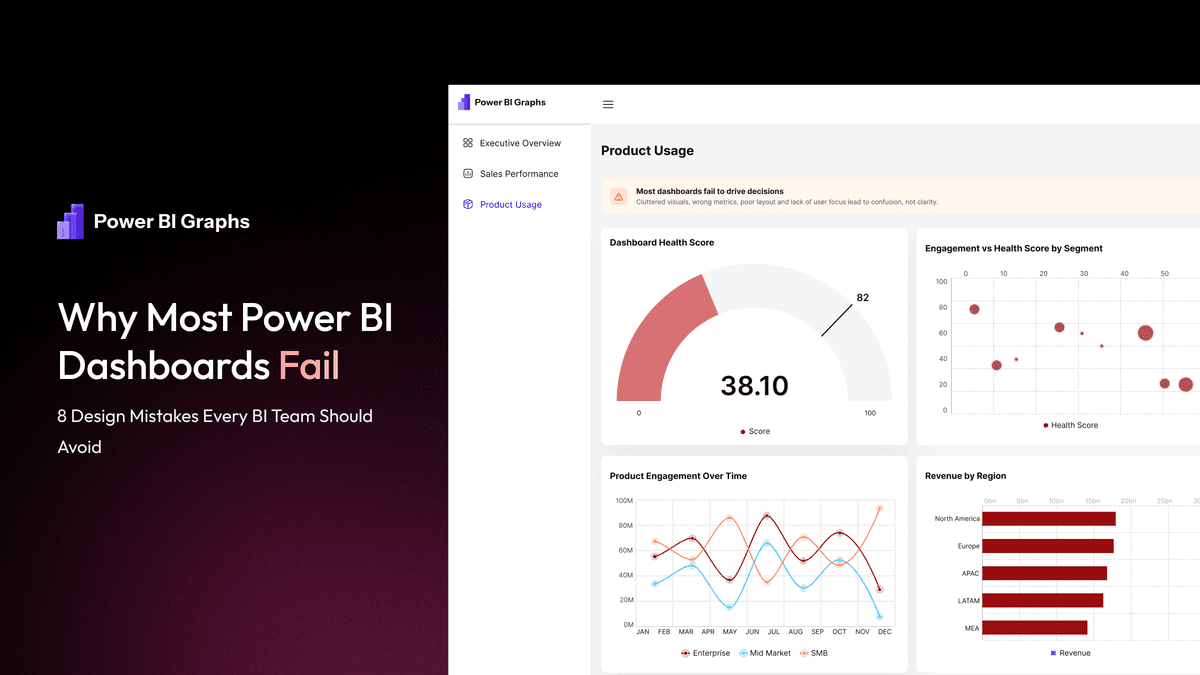
Many dashboards struggle because they:
- Display too many visuals on a single page
- Lack a clear hierarchy of what matters most
- Use inconsistent colors across pages
- Repeat the same information in multiple visuals
- Ignore whitespace entirely
- Hide important KPIs below the fold
- Overuse slicers and filters until the canvas feels cluttered
Removing unnecessary complexity often delivers greater improvements than adding more visuals ever could.
Standardize With Design Systems
As organizations build more dashboards, consistency becomes difficult to maintain manually.
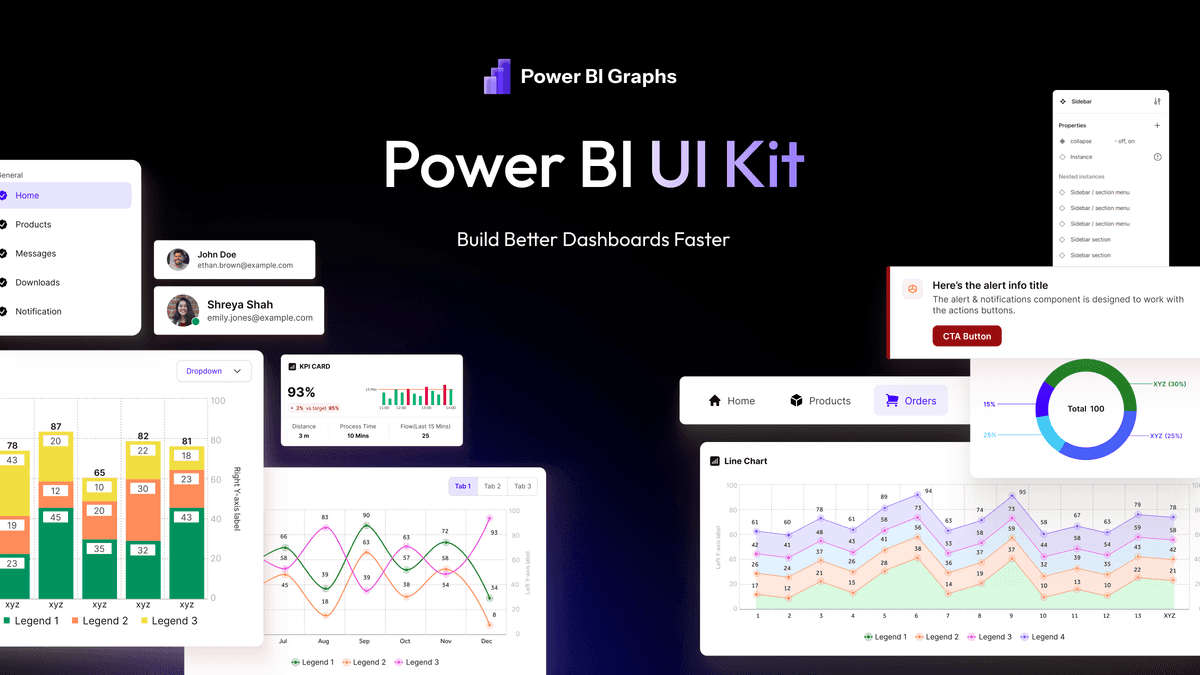
Reusable design systems help teams standardize:
- Components
- KPI cards
- Navigation
- Color palettes
- Typography
- Spacing
This reduces development time and creates a better experience across every report, regardless of which analyst built it or which department it serves.
Accelerate Delivery With Templates
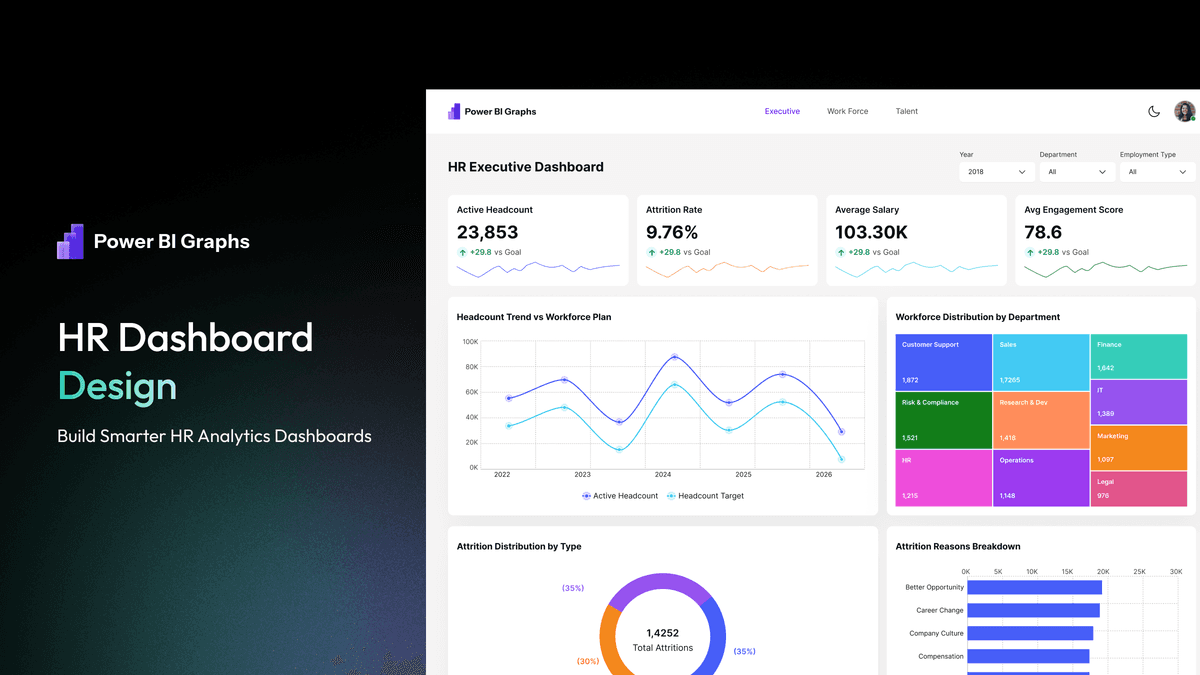
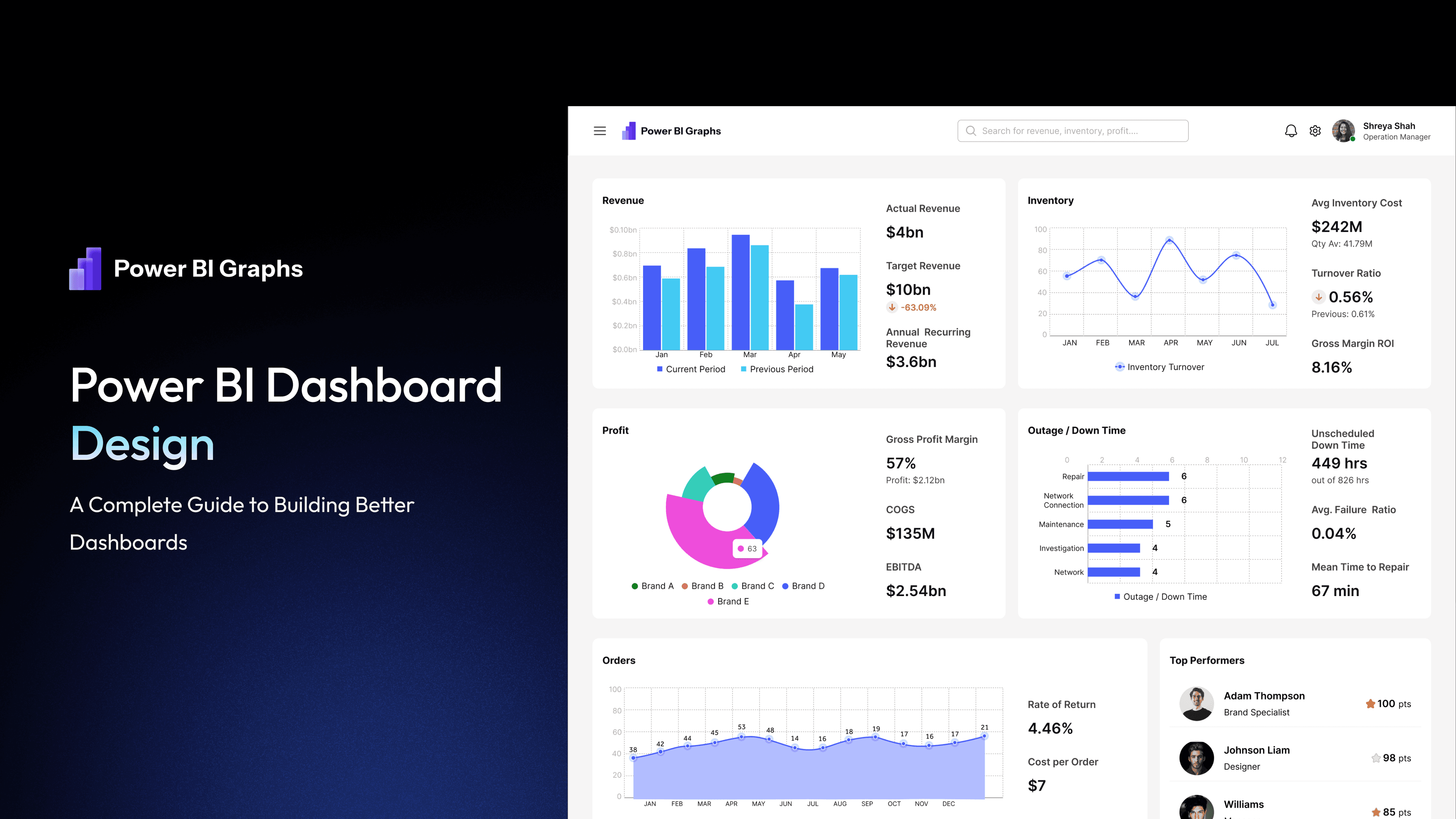
Professional dashboard templates provide proven layouts for common business scenarios such as HR, Sales, Finance, Retail, and SaaS analytics.
Instead of starting from a blank canvas, teams can customize an established structure and focus on business insights rather than rebuilding the same layout logic project after project.
When Custom Dashboard Design Makes Sense
Templates work well for common reporting needs, but enterprise organizations often require custom solutions that align with unique workflows, branding, and governance standards.
Custom dashboard design ensures reporting experiences match business objectives while remaining scalable for future growth — particularly for organizations managing dozens of reports across multiple departments and regions.
Frequently Asked Questions
What makes a professional Power BI dashboard?
A professional dashboard combines clear layouts, meaningful KPIs, intuitive navigation, consistent branding, and an excellent user experience — not just accurate underlying data.
Why is dashboard design important?
Good design improves usability, user adoption, reporting consistency, and decision-making speed. Dashboards that are hard to read get ignored, regardless of how accurate the numbers are.
Should businesses use templates?
Templates help reduce development time and improve consistency, especially when multiple dashboards are required across departments like sales, finance, and HR.
What is the benefit of a dashboard design system?
A design system standardizes components, layouts, colors, and typography, enabling teams to build dashboards faster while maintaining quality across every report they ship.
Final Thoughts
Great Power BI dashboards do more than visualize data — they help people make better decisions.
Organizations that invest in thoughtful dashboard design create reporting experiences that are easier to understand, faster to maintain, and more valuable over time. Whether you are building dashboards from scratch, using reusable UI Kits, adopting professional templates, or investing in custom dashboard design, the goal remains the same: deliver clear insights that drive confident decisions.
At PowerBIGraphs, we believe dashboard design is just as important as the data behind it. By combining design systems, reusable UI components, professional templates, and expert design practices, teams can create modern analytics experiences that scale with their business.